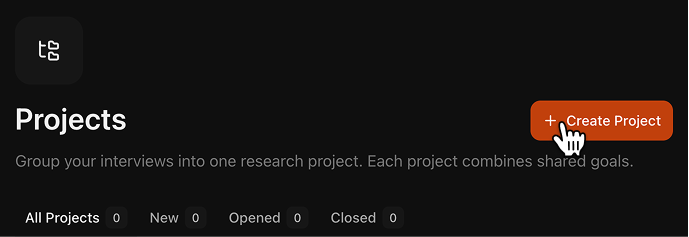
Click Create Project in your workspace and name the study.
Create Project modal
2
Add research context and interview guide
Define your Research Goals and Interview Guide in the same setup step.Use the Research Assistant to generate both through guided Q&A, or fill both fields manually.
Research Assistant section
Clear goals and a clear guide lead to sharper interviews and better reports.
3
Create AI interview links and send them
Open AI Interviewer in the project, create links, and send one link to each respondent.Learn more:AI Interviewer
4
Upload previously recorded interviews
Add past interviews from outside Aseed (audio, video, or text) in Project Records.
Click Generate Reports and start with Transcript and Q&A for each interview. See Report types to understand what each report contains.
These reports become the base material for your project report.
7
Create a project report
Click Add Report, choose a preset or custom structure, and generate the report.
Report templates
After you have the reports you need, use Ask Project in the Research Assistant: select your project and ask questions to clarify or interpret findings. Answers are grounded in your project documents with citations.